
Cleaning Up Duplicate Civil 3D Contour Labels
Contour labels are one of those small parts of Civil 3D that can become surprisingly messy.
As a surface evolves, designers add labels, revise label groups, copy information between drawings, change presentation for different deliverables and generally do all the perfectly reasonable things that eventually result in six labels occupying the same three square millimetres of screen.
Sometimes the duplication is obvious.
Sometimes the labels sit directly on top of one another and look completely normal until you select one and discover there are apparently several more living underneath it.
Civil 3D has layers.
Not all of them are intentional.
Our preference is to treat duplicate-label cleanup as drawing cleanup, not surface modification.
The surface isn't the problem. Neither are the contours.
The objective is simply to identify contour labels occupying the same location and remove the unnecessary duplicates while preserving the labels that should remain.
Before performing a large cleanup, we recommend:
- Save the drawing.
- Confirm that the surface and labels are displaying correctly.
- Work in the drawing that actually owns the labels.
- Visually inspect a few known duplicate locations so you understand what you're expecting to remove.
And, yes, save the drawing was deliberately first on that list.
Twenty-nine years of Civil 3D and AutoCAD have taught us many sophisticated techniques. QSAVE remains comfortably in the top five.
For a handful of duplicate labels, manual cleanup is perfectly reasonable. Pick them. Delete them. Carry on with your life.
For a drawing containing hundreds or thousands of contour labels, things get less charming.
Native Cleanup and Systematic Review
Civil 3D provides tools for selecting, inspecting and deleting surface-related objects, including contour-label groups. You can manually locate duplicate groups, inspect their properties and erase the unwanted labels. For label cleanup, target the labels rather than deleting the surface or its triangle geometry.
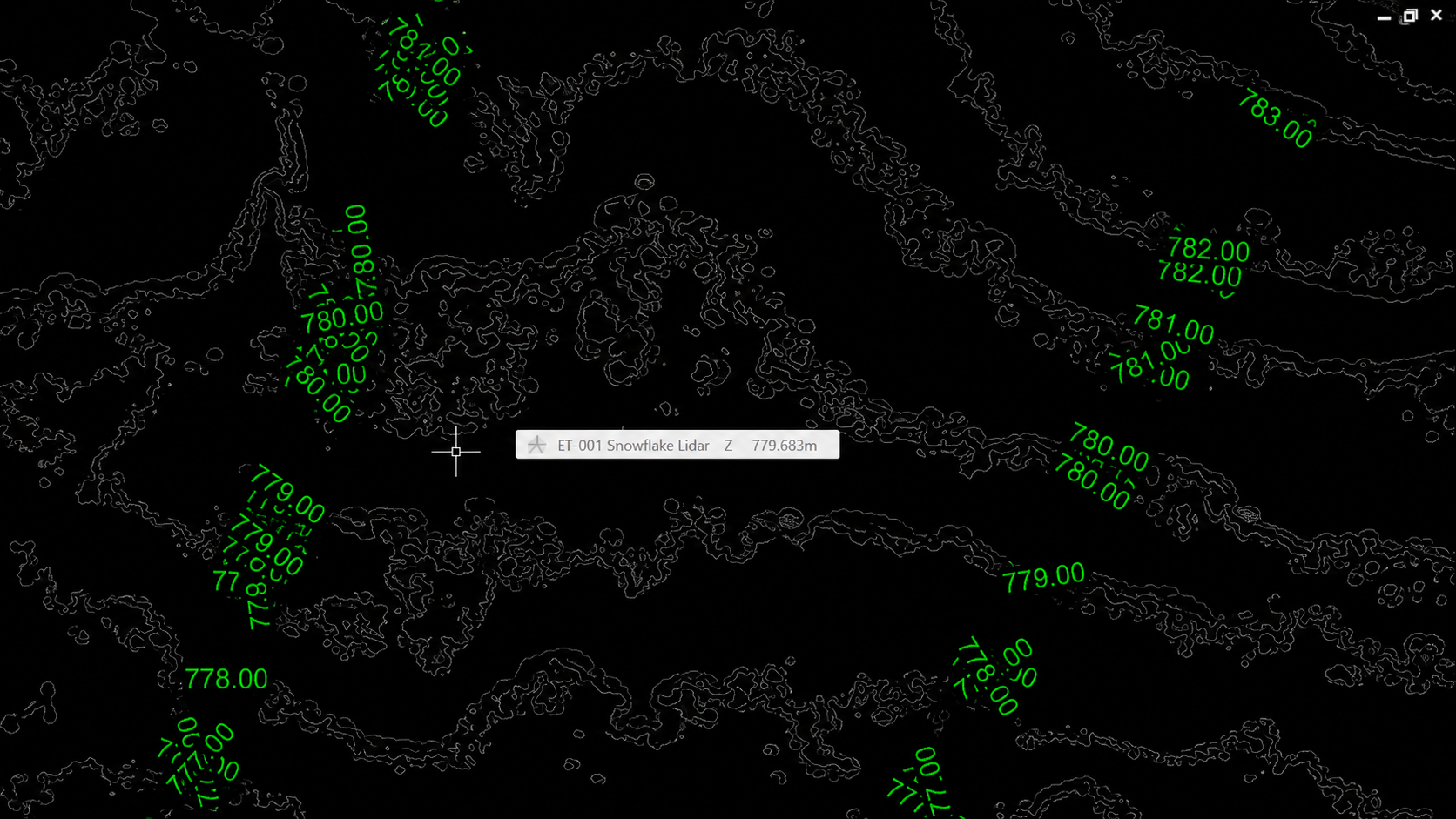
Snowflake addresses the repeated search: identifying duplicate contour-label groups systematically and presenting the proposed cleanup for review, so the designer does not have to hunt through the drawing location by location. Review the result and confirm the intended cleanup before it is applied. Snowflake does not decide your labelling strategy or treat every label as something to delete.
Autodesk reference: deleting labels and label groups
Snowflake ET-001 was created specifically for this problem.
Snowflake examines Civil 3D surface contour labels and identifies overlapping duplicates.
The goal isn't to rebuild your labels, alter your surface or reinterpret your labelling strategy. You presumably had a strategy. We're staying out of it.
It's cleanup.
Run Snowflake, allow it to identify the duplicate labels, review the result and continue working with the drawing.
That's an important part of how we think about Escapement Tools. A small productivity tool should solve the irritating little problem it was built to solve and then kindly get out of the way.
Snowflake makes the most sense when:
- a surface drawing has accumulated a large number of contour labels;
- duplicate labels are difficult to identify visually;
- drawings have passed through multiple revisions or designers;
- label cleanup is consuming time that would be better spent designing; or
- you simply want to check a drawing before issue.
A Practical Cleanup Example
If you've got three obvious duplicates, delete them manually.
Seriously. We'll survive the lost sale.
If you've got 2,000 labels and you're zooming around wondering how many are secretly stacked on top of each other, now we're talking.
See the duplicate-label review and controlled cleanup in this short example.
Watch the Snowflake Short on YouTube →
Civil 3D already provides the tools needed to edit contour labels. Snowflake addresses the repetitive part: finding duplicate label groups across a drawing, presenting them for review and helping the designer clean them up without surrendering control.
For the detailed workflow, watch the full Snowflake demonstration.
Snowflake ET-001 is available now.